


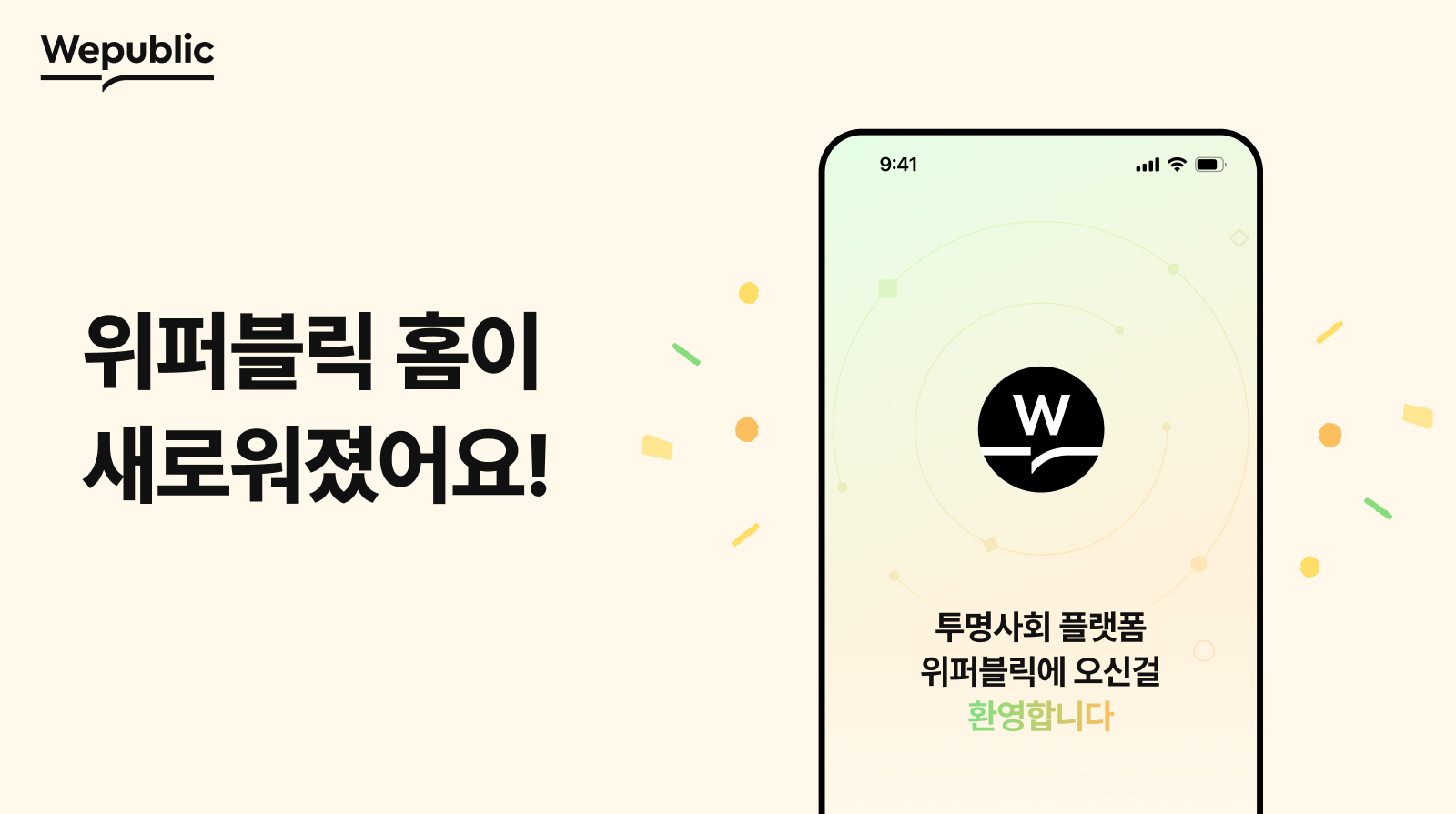
The Home Screen UI for Wepublic, the transparent social platform service, has been revamped to make it easier and more convenient for supporters to participate in projects. With these changes, supporters can view select information at a glance and participate in projects even more easily.
Major Revamped Changes
The Home Screen UI has undergone a significant revamp, offering a more streamlined experience for users. Major news is now prominently displayed in the top banner, providing users with quick access to important updates. Additionally, Wepublic's curated content and topic categories are all accessible in one consolidated location. For those seeking more in-depth information, the Magazine menu offers detailed donation news and project stories.
Dedicated Donation Menu
A new menu has been introduced specifically for donations, making it simpler for users to discover and engage with various donation projects. This Donation Home provides a comprehensive overview of ongoing initiatives. Furthermore, an enhanced Category menu allows users to search for projects based on their specific interests, ensuring a more personalized experience.
QR Scan Feature Relocation
The QR Scan feature has been relocated to the "View More" section. This adjustment ensures that the feature is readily available when needed, without cluttering the main interface.
Wepublic is committed to continuously improving the donation experience for its users. Supporters are encouraged to visit the revamped Home screen to explore the diverse range of available projects.
Thank you.